
PestRoutes Sales: Sales Aides Tab
Summary
The Sales Aids Tab is used in the PestRoutes Sales app to help sales representatives sign up more customers. Documents can be uploaded for sales representatives to use while out on the field.
Important Points:
- Please be aware of the size of the files as reps will need to download these from mobile devices. Try to keep images under 100-200 KB and PDFs under 1-2 MB. Reps will need to log out and log back in to see new materials.
- Material can be uploaded in the Sales Aids in the desktop app under Admin > Preferences > Sales Related > Sales Aides.
Accessing the Sales Aides Tab
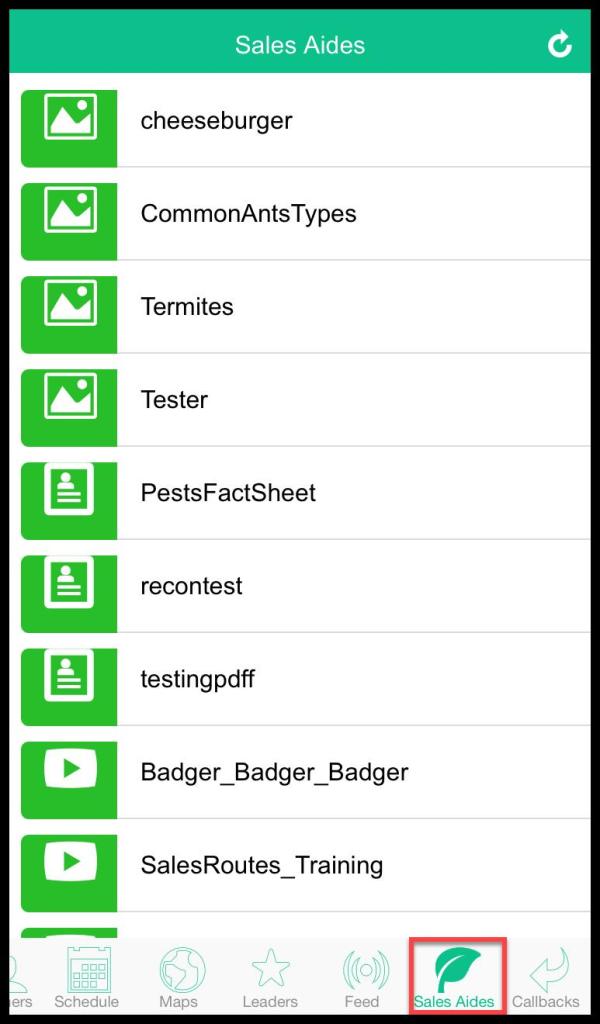
To access the Sales Aides Tab, go to:
Open the PestRoutes Sales App > Sales Aides.
Refreshing the Sales Aides Tab
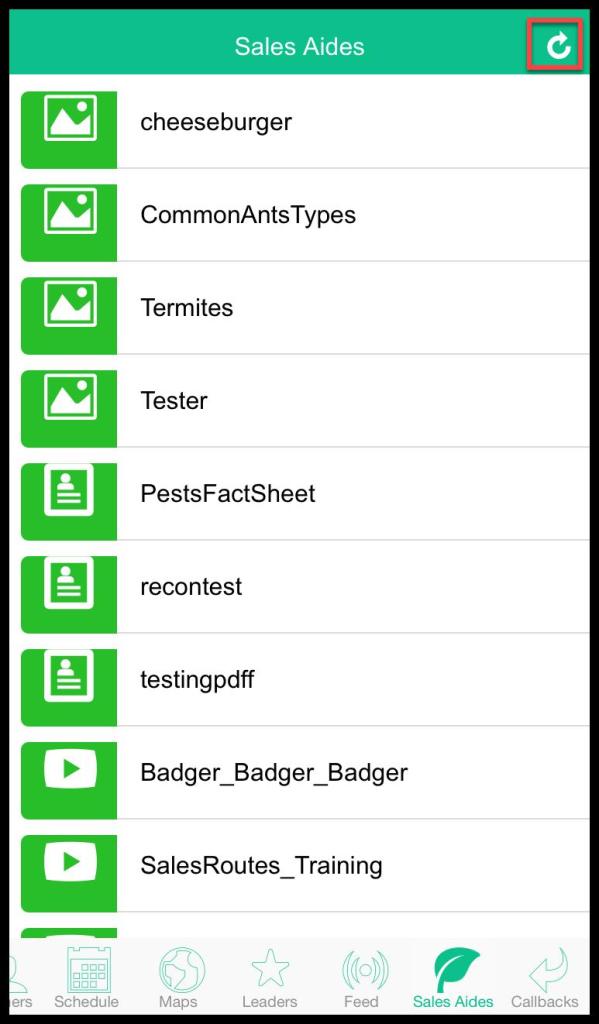
To refresh the Sales Aides Tab, press the refresh icon at the top right corner.
 Moxie Pest Control Office Guide