
A sales representative is not receiving or is receiving delayed, push notifications for sales, team messages, or company messages in the mobile sales apps. How can I fix this?
PestRoutes Sales and FieldRoutes Mobile deliver notifications to both iOS and Android devices when a team member makes a sale, hits certain milestones, sends a push alert message, or when company push alerts are sent out messages. There may be a few different reasons why a sales representative is not receiving the notification:
- The time to receive a notification can vary based on the device. Each device may check for new notifications at different intervals. It usually takes between 1-10 minutes to receive the notification.
- Check the data connection on the device. In order to receive push notifications, there must be an active internet connection. The site ismyinternetworking.com can be used to check if the internet is connected. Try using a Wi-Fi connection if the cellular connection isn’t working.
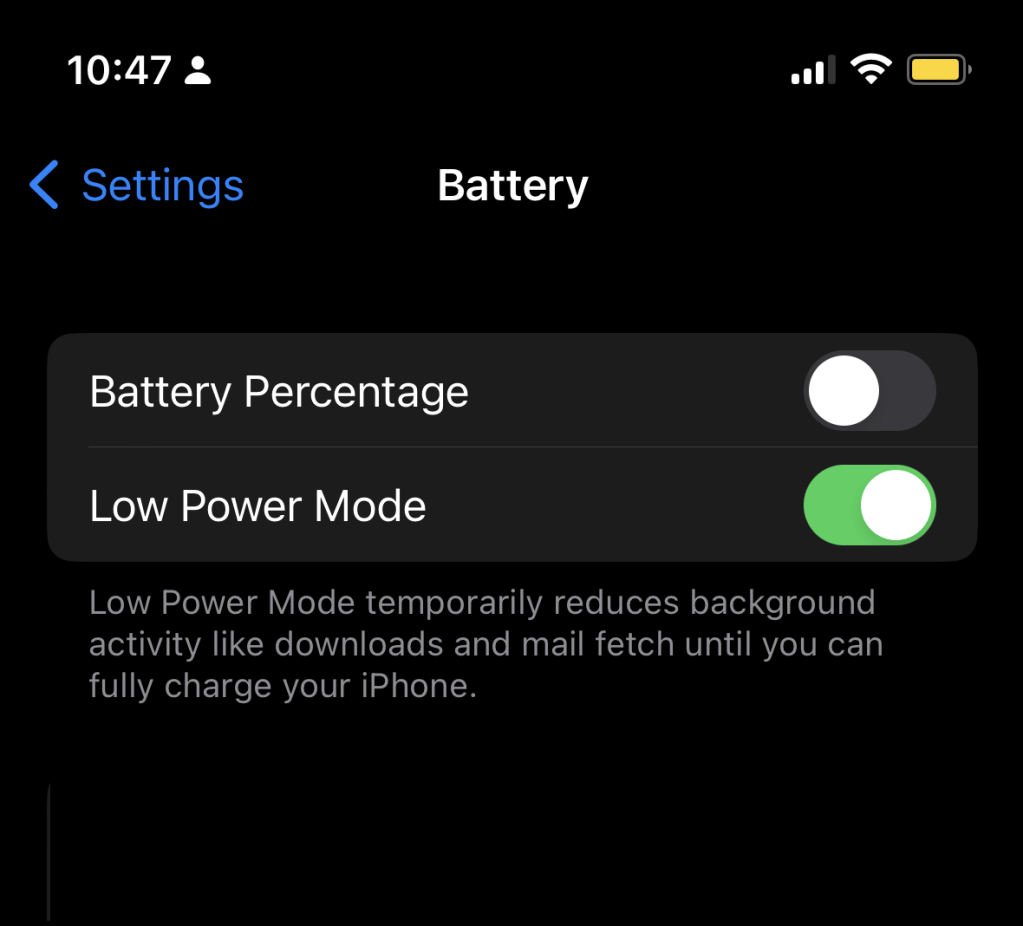
- Check to see if the device is in battery-saving mode. Some devices may have a mode to conserve battery that will turn off the data connection when the user is not actively using it. This will interfere with receiving the notifications.
- Uninstall and reinstall your mobile app.
 Moxie Pest Control Office Guide